



Hardware Options

Enterprise-grade hardware, built to fit every front desk

Durable kiosks, scanners, and badge printers that keep sign-in quick for visitors and simple for your team.

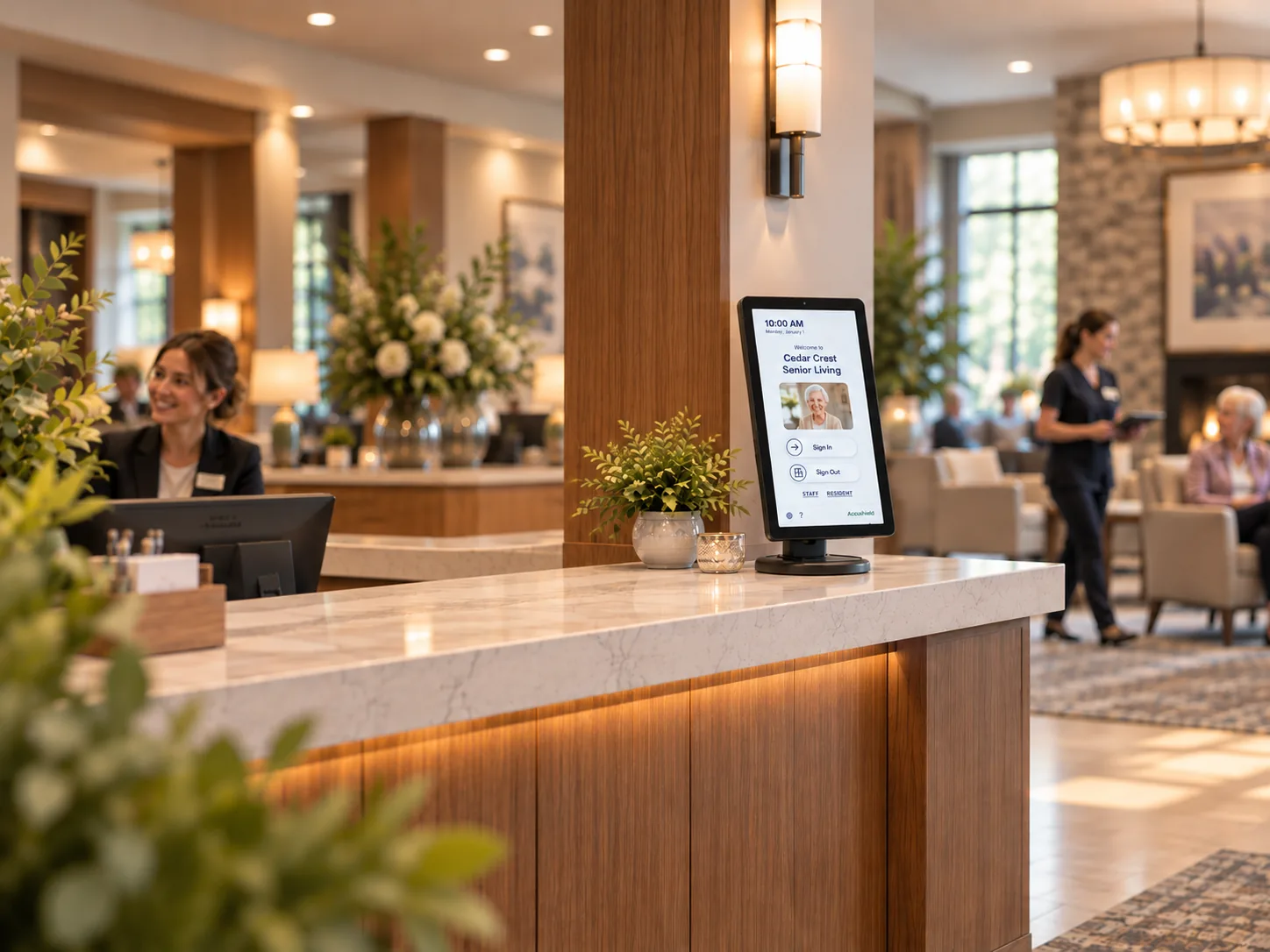
Accushield 15-inch visitor management kiosk in portrait orientation on a senior living lobby reception counter
The Lineup

Find the right fit for your lobby.

Hover or tap to see every angle, then request the setup that suits your community.

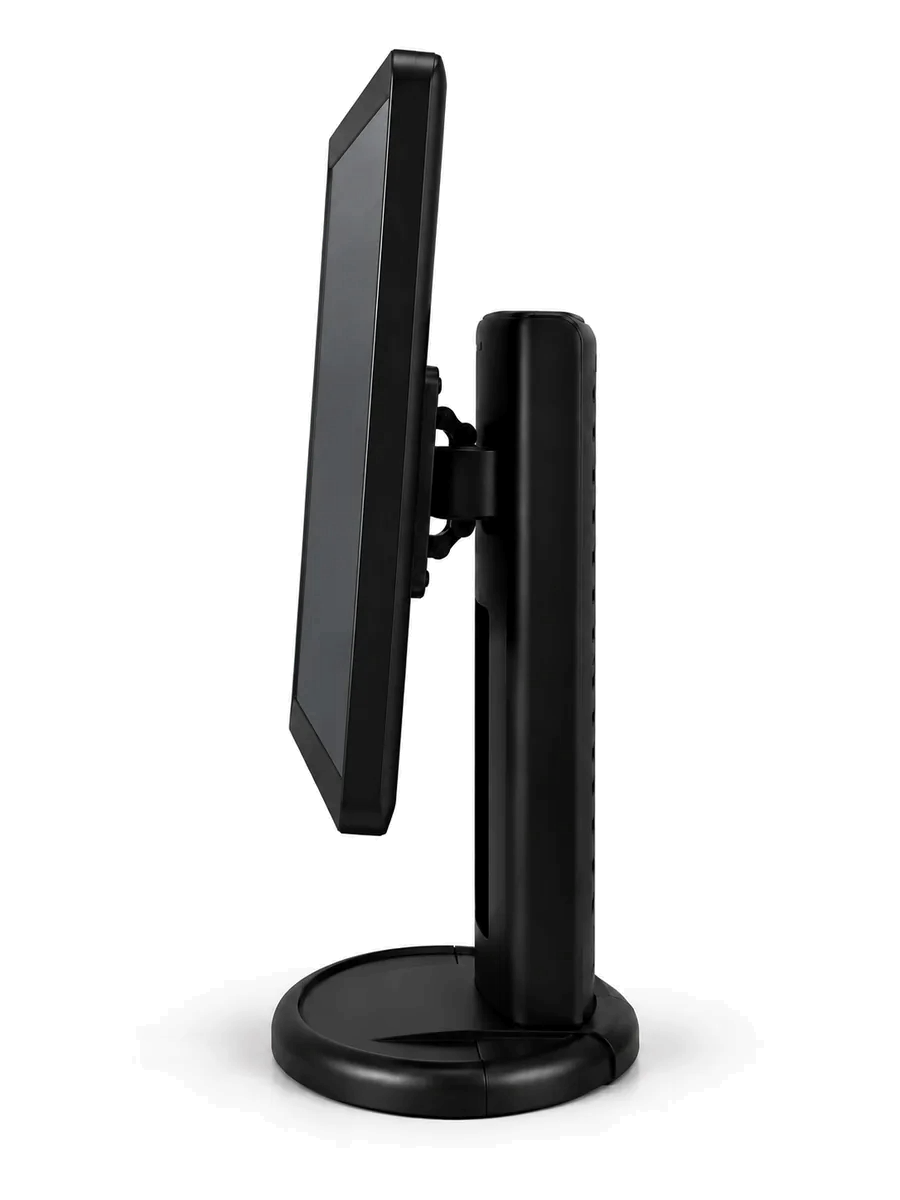
15-inch kiosk in portrait orientation, front view 15-inch kiosk in portrait orientation, side view showing the height-adjustable stand 15-inch kiosk, back view 15-inch kiosk on a senior living reception counter

15-inch Kiosk

Hospitality-forward check-in

A larger, brighter screen that older visitors can read and tap with ease. Rotate it between portrait and landscape to suit your lobby, and adjust the height so it works for every guest. The extra screen space gives your brand room to shine, so arriving at your community feels more like checking in at a fine hotel.

  • Easier to read and use
  • Portrait or landscape
  • Height adjustable
  • More room for your brand
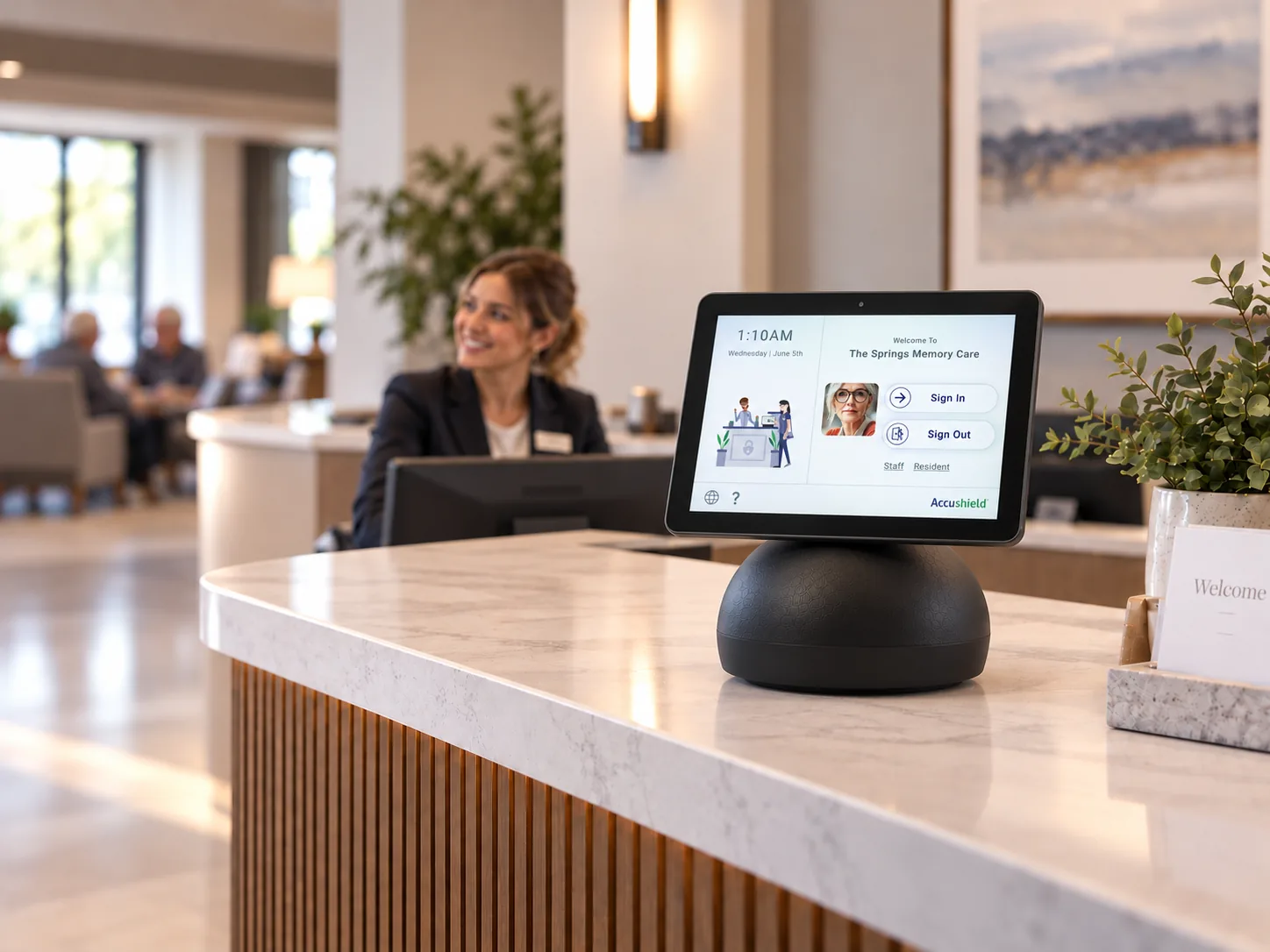
10-inch countertop kiosk, front view 10-inch countertop kiosk, side view showing the swivel screen 10-inch countertop kiosk, back view with cables routed into the base 10-inch kiosk on a senior living reception desk with a concierge

10-inch Kiosk

Subtle, home-first design

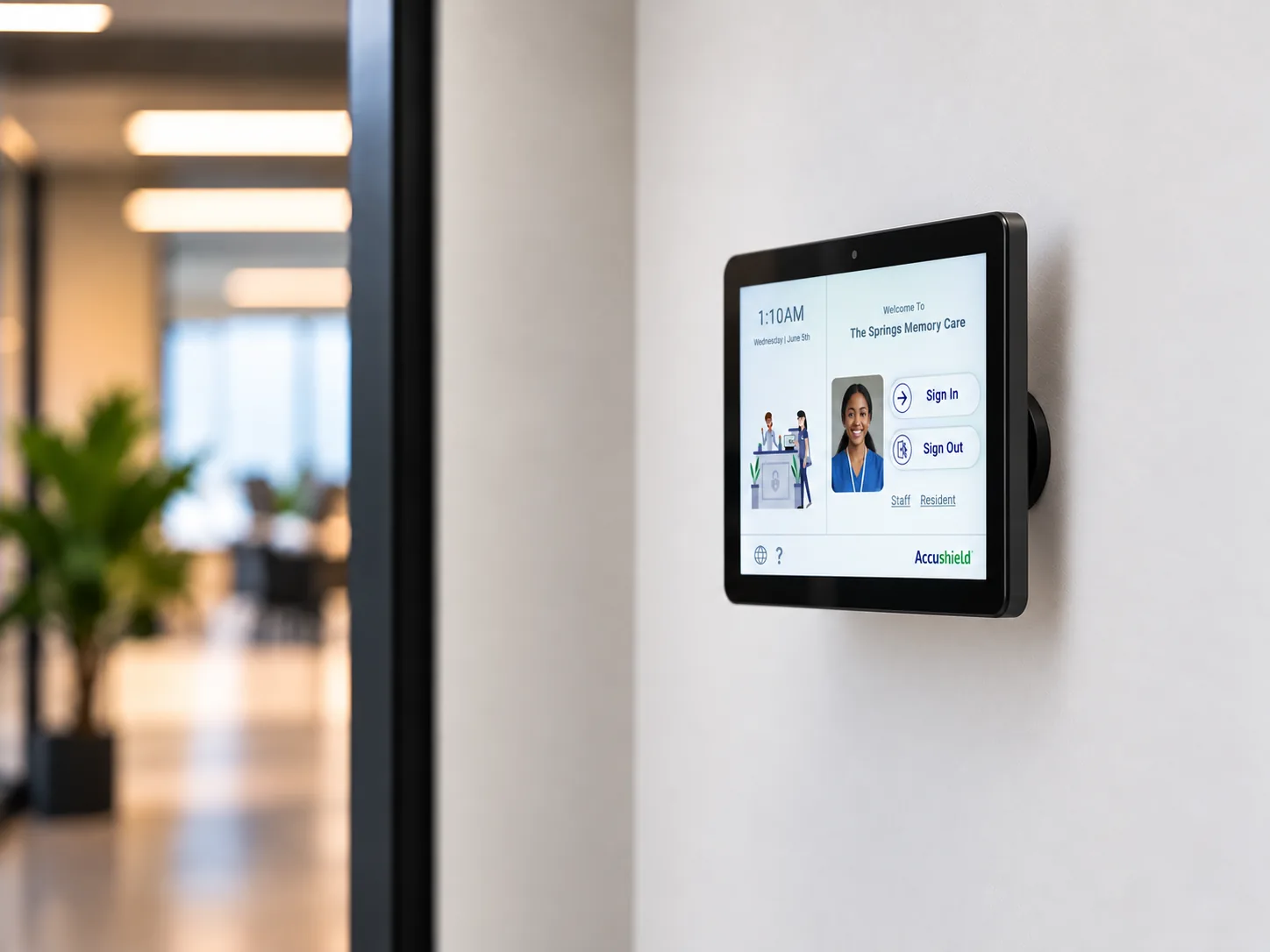
For communities that would rather technology blend in than stand out. The compact screen keeps a light visual footprint at reception, so your lobby still feels like home. The screen flips to face your concierge when staff need it, cables tuck neatly into the base, and a wall-mount option works well for staff entrances.

  • Low-profile look
  • Flips to your concierge
  • Cables hidden in the base
  • Countertop or wall mount
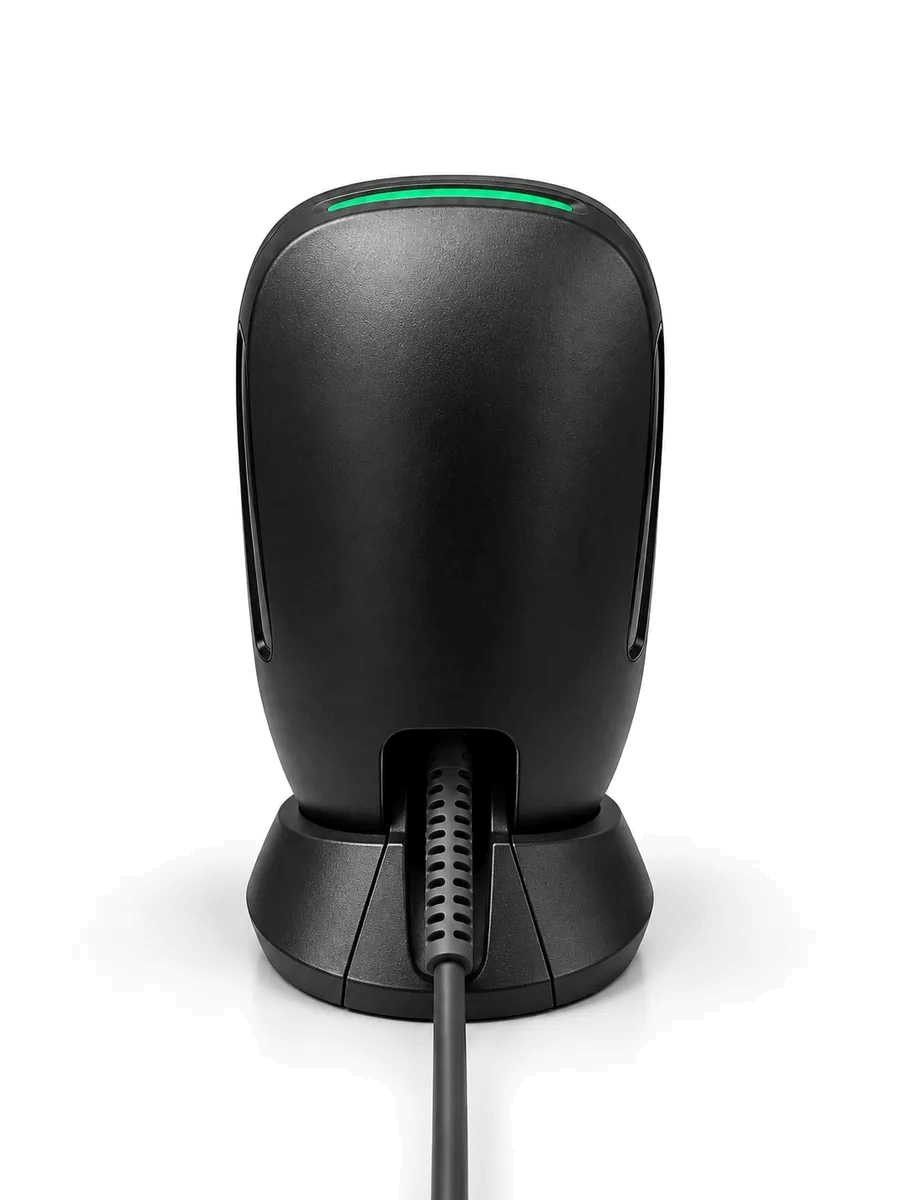
Accushield QR code and ID scanner, front view QR code and ID scanner, side view QR code and ID scanner, back view

QR & ID Scanner

Hands-free sign-in in seconds

Visitors and vendors hold up the QR code from the Accushield mobile app, or their driver's license, and they are signed in without touching the screen. It gets more out of the app your regular visitors already use and keeps lines short when the lobby gets busy.

  • Reads Accushield app QR codes
  • Driver's license scanning
  • Hands-free
Accushield thermal visitor badge printer, front view Thermal visitor badge printer, side view Thermal visitor badge printer, back view

Badge Printer

Know who is in the building at a glance

Print a name badge at sign-in so every visitor is visibly identified. Badges show who the visitor is and why they are there, so staff and residents can tell family from a vendor in a moment. Thermal printing means no ink to buy or replace.

  • Visible visitor ID
  • Shows visit purpose
  • Thermal, no ink needed
In the Community

See it at the front desk.

From a busy main lobby to a quiet staff entrance, here is how each setup looks in a real senior living community. Find one you like and request it in a click.

15-inch kiosk with scanner and badge printer on a senior living lobby reception desk
Setup 01

The Hospitality Desk

A statement front desk for a busy main lobby. The 15-inch kiosk welcomes guests in style while the scanner and badge printer keep the line moving.

  • 15-inch Kiosk
  • QR & ID Scanner
  • Badge Printer
Request this setup
Request Hardware

Configure your setup.

Choose the hardware and quantities you need. Our team will follow up to confirm the details for each community.

Your configuration

    Nothing selected yet. Add hardware to get started.

    1. Select hardware
    15-inch Kiosk
    10-inch Kiosk
    QR & ID Scanner
    Badge Printer
    2. Your details
    Our team will follow up to confirm details.

    Your request is in.

    Thank you. A member of the Accushield team will reach out shortly to confirm your configuration.